The allure of a massive screen is undeniable. An 85-inch television transforms your living room into a personal cinema, offering an immersive experience that smaller displays simply cannot replicate. But simply unboxing and plugging in such a behemoth is only the first step. To truly unlock its potential, meticulous setup is paramount. This guide delves deep into the essential tips and considerations for setting up your 85-inch TV, ensuring optimal viewing and peak performance.
Choosing the Perfect Canvas: Room and Placement Considerations
The sheer size of an 85-inch TV demands a thoughtful approach to its placement. It’s not just about finding a wall; it’s about creating an environment where the screen can shine without overwhelming your space.
The Golden Rule: Viewing Distance
Perhaps the most critical factor is determining the ideal viewing distance. Too close, and you’ll experience eye strain and pixelation; too far, and you lose the immersive impact. Industry standards and expert recommendations offer valuable guidance:
- THX Recommendation: For a cinematic experience, THX suggests a viewing distance of approximately 1.2 times the screen’s diagonal measurement. For an 85-inch TV (which measures 85 inches diagonally), this translates to roughly 102 inches, or about 8.5 feet.
- SMPTE Recommendation: The Society of Motion Picture and Television Engineers (SMPTE) suggests a viewing distance where the screen fills 30 degrees of your field of vision. For an 85-inch TV, this is generally around 10-12 feet.
- Personal Preference: While these are excellent starting points, personal comfort plays a significant role. Experiment with your seating arrangement to find what feels most natural and comfortable for you. Some users might prefer slightly closer for intense action, while others enjoy a bit more distance for relaxed viewing.
Case Study: The Smith family initially placed their new 85-inch TV in their living room, which is relatively wide but not very deep. They found that sitting at their usual sofa distance of 7 feet made the screen feel too dominant, with them constantly having to move their heads to take it all in. After consulting viewing distance guides, they rearranged their furniture to create a seating area approximately 9.5 feet away. This shift transformed their viewing experience, allowing them to appreciate the detail and scale without feeling overwhelmed.
Wall Mounting vs. Stand Placement

Both wall mounting and using a stand have their advantages and disadvantages, especially with a TV of this size.
- Wall Mounting:
- Pros: Maximizes floor space, creates a sleek, modern aesthetic, and allows for precise height adjustment.
- Cons: Requires drilling into walls, can be more challenging to adjust the viewing angle, and cable management needs careful planning. Ensure your wall can support the weight of the TV and mount. Studs are crucial for secure mounting.
- Stand Placement:
- Pros: Easier to set up, no drilling required, offers flexibility in repositioning the TV.
- Cons: Takes up floor space, can be less stable if not placed on a sturdy surface, and might not provide the optimal viewing height.
Important Note: If wall mounting, invest in a high-quality, VESA-compatible mount designed for the weight and size of your 85-inch TV. Consult the TV’s manual for its VESA pattern.
Environmental Factors: Light and Glare

The brightest screens can still be defeated by poor lighting conditions.
- Minimize Direct Sunlight: Position your TV so that direct sunlight does not hit the screen, especially during peak daylight hours. This will prevent glare and enhance contrast. Utilize blinds, curtains, or even strategic furniture placement to mitigate this.
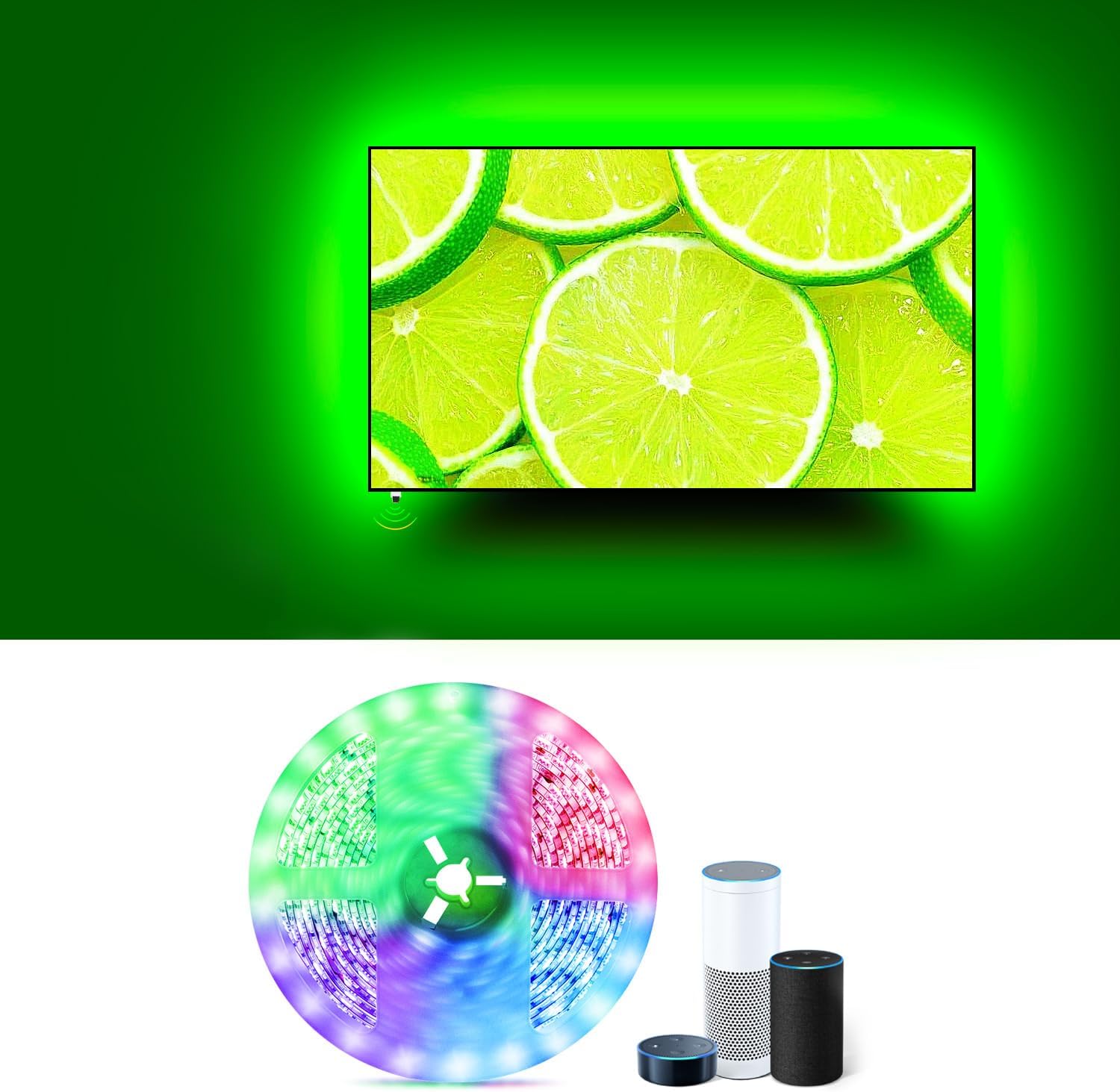
- Ambient Lighting: Avoid placing your TV in a completely dark room for extended periods, as this can lead to eye strain. Soft, ambient lighting from lamps placed to the side of the screen, or behind it (bias lighting), can create a more comfortable and cinematic atmosphere.
- Screen Finish: Many modern TVs have anti-glare coatings. While effective, they are not a substitute for good lighting control.
The Power Within: Calibration for Peak Performance

Out-of-the-box settings are rarely optimized. Calibration is the secret sauce that transforms a good picture into a breathtaking one.
Understanding Picture Modes
Your TV offers a variety of picture modes, each designed for different content and viewing environments. Generally, these include:
- Movie/Cinema/Filmmaker Mode: These modes are usually the closest to the director’s intended look, prioritizing color accuracy, proper contrast, and minimal processing. They are ideal for watching films and TV shows.
- Standard/Normal: A balanced mode, but often oversaturated and over-sharpened for general viewing.
- Vivid/Dynamic: Pushes brightness and color saturation to the extreme, often resulting in an unnatural and fatiguing image. Best avoided for critical viewing.
- Game Mode: Designed to minimize input lag for a responsive gaming experience, often at the expense of picture accuracy.
Tip: Always start with the most accurate mode (e.g., Movie or Filmmaker) and adjust from there. Avoid Vivid mode for anything other than demonstrating the TV’s brightness capabilities to someone.
Essential Picture Settings to Tweak

Even within an accurate picture mode, several settings can be fine-tuned:
- Brightness: Controls the luminance of the screen. Adjust this to your room’s ambient light. In a dim room, you’ll want it lower than in a brightly lit room.
- Contrast: Affects the difference between the brightest whites and darkest blacks. Too high, and you’ll lose shadow detail; too low, and the image will look flat.
- Color: Controls the saturation of colors. Aim for natural-looking colors, not overly vibrant or washed out.
- Sharpness: This setting can be a double-edged sword. Too much sharpness adds artificial edge enhancement, creating halos around objects. Too little, and the image can appear soft. Aim for a subtle sharpness that enhances detail without creating artifacts.
- Backlight: (Often found on LED TVs) Controls the intensity of the LED backlight. This directly impacts brightness and contrast, and also power consumption.
- Motion Interpolation (e.g., TruMotion, Motionflow): This feature attempts to smooth out motion by inserting generated frames. While it can reduce judder, it often introduces the “soap opera effect” (unnatural smoothness) and can create artifacts. Many cinephiles prefer to disable this for film content, while some find it beneficial for sports.
The Deep Dive: Professional Calibration
For the ultimate in picture perfection, consider professional calibration. Technicians use specialized equipment and techniques to fine-tune your TV to industry standards (like ISF or THX). This can reveal details and nuances in images that you never knew existed.
Statistic: While the cost can range from $300 to $700, studies have shown that a properly calibrated display can improve perceived contrast by up to 30% and color accuracy by up to 40%, making a significant difference in the viewing experience.
Connectivity and Sound: Completing the Ecosystem
A stunning picture is only part of the equation. Seamless connectivity and immersive audio are crucial for a complete cinematic experience.
HDMI Ports: The Lifeline of Your Setup
Your 85-inch TV will likely boast multiple HDMI ports. Here’s how to maximize them:
- HDMI 2.1: For modern devices like PlayStation 5, Xbox Series X, and high-end PCs, ensure you’re using HDMI 2.1 ports. These support higher resolutions, refresh rates (up to 120Hz), and advanced features like Variable Refresh Rate (VRR) and Auto Low Latency Mode (ALLM) for gaming.
- ARC/eARC: Audio Return Channel (ARC) and enhanced Audio Return Channel (eARC) allow your TV to send audio back to a soundbar or AV receiver using a single HDMI cable. eARC is superior, supporting higher bandwidth for uncompressed audio formats like Dolby Atmos and DTS:X.
- Device Prioritization: Connect your primary devices (e.g., gaming consoles, Blu-ray players) to the highest-spec HDMI ports available.
Tip: Invest in certified high-speed HDMI cables (e.g., HDMI 2.1 certified) to ensure optimal signal transmission, especially for 4K and 8K content.
Audio Nirvana: Beyond Built-in Speakers

While large TVs often have improved built-in audio, they rarely match the immersive soundstage of a dedicated audio system. For an 85-inch display, a robust sound setup is almost essential.
- Soundbars: A popular and relatively simple solution. Look for soundbars with virtual surround sound or Dolby Atmos/DTS:X support for a more immersive experience. Many now come with wireless subwoofers for enhanced bass.
- Home Theater Systems (AV Receiver + Speakers): The ultimate in audio fidelity. A 5.1 or 7.1 surround sound system, or even an Atmos-enabled setup, will envelop you in sound, perfectly complementing the large screen.
- Placement of Speakers: Ensure your speakers are positioned correctly according to the surround sound format you’re using. For example, in a 5.1 system, the front speakers should be at ear level and angled towards the listening position, with the center channel directly above or below the TV.
Example: Watching an action movie with explosions and intricate sound design on an 85-inch screen with just the TV’s speakers can feel underwhelming. However, paired with a Dolby Atmos soundbar that creates overhead sound effects, the same scene becomes a breathtaking, multi-dimensional experience.
Smart Features and Software: Streamlining Your Entertainment
Modern smart TVs offer a wealth of features. Understanding and utilizing them can enhance your viewing experience.
App Management and Updates
Ensure your TV’s operating system is up-to-date. Software updates often include:
- Performance improvements.
- Bug fixes.
- New app compatibility.
- Enhanced features.
Regularly check for and install available updates. Organize your favorite streaming apps for quick access.
Voice Control and Smart Home Integration
Many 85-inch TVs come with integrated voice assistants (e.g., Google Assistant, Alexa). Learn the voice commands to quickly launch apps, search for content, or control other smart home devices. This can be incredibly convenient when you’re settled in for a movie.
The Final Polish: Cable Management and Aesthetics
The sheer size of an 85-inch TV can make cable management a significant challenge, but neglecting it can detract from the overall aesthetic.
- Cable Ties and Sleeves: Utilize cable ties, Velcro straps, or braided sleeves to bundle cables together.
- In-Wall Cable Management: For a truly clean look when wall mounting, consider in-wall cable management kits that allow you to run cables behind the drywall.
- Cable Raceways: If you’re not wall mounting, discreet cable raceways can hide cables along baseboards or walls.
- Wireless Solutions: Where possible, consider wireless audio solutions or streaming devices to reduce the number of visible cables.
A tidy setup not only looks better but also makes it easier to access ports and troubleshoot issues.
Setting up an 85-inch TV is an investment in an unparalleled entertainment experience. By carefully considering viewing distance, optimizing room lighting, calibrating picture settings, ensuring robust connectivity and audio, and managing cables effectively, you can transform your living room into a true cinematic sanctuary. This isn’t just about displaying an image; it’s about immersing yourself in stories, feeling the impact of every scene, and enjoying your favorite content as it was meant to be seen and heard. So, take the time, follow these guidelines, and prepare to be captivated by the sheer spectacle of your magnificent new display.